Ever Saw a Dual OS Switch, Dual Keyboard Mobile Phone? Have a look


Ever saw a dual keyboard mobile phone?
Well, we just got to play with P111 phone, sent by the Chinese company. The dual SIM phone boasts of dual keyboards, dual UI design and is cheaply priced (details for Indian market will be revealed soon).
While we play with the device and share our review later, have a look. It surely is an eye candy, boasts of AIR remote, one key SOS and has useful feature list (e.g. you don’t need to plug in earphone to listen to FM in speaker mode).
P111 Specification

20100717_015

20100717_011


P111 Specification

  • Nokia Standard battery (4L?1500mA compatible
  • 2. Speakers??18mm??Receiver?15*06mm?
  • 3. Display: 260K Color TFT 2.0 inches LCD (Blackberry Style)
  • 4. Dual band(900/1800Mhz) or Quad bands (850/900/1800/1900MHz)
  • 5. Dual SIM card support
  • 6. Flashlight
  • 7. Magnifier
  • 8. T-card supports up to 2GB
  • 9. Bluetooth A2DP ?Optional??FM function?Built-in FM+GSM antenna
  • 10. MP3 player
  • 11. 300K pixels Camera?optional?
  • 12. SOS Function
  • 13. Dual Keyboards compatible with QWERTY key & Big Digits Keyboards
  • 14. Alert mode change by Air remote control password
  • 15. Phone call transfer by air remote control password

P111 Details

PlatformMT6223D
LCD2.0” QCIF 176*220
SIZE111*61*13.7mm
WEIGHT70g withou battery
NETWORKSGSM900/1800 Option 850/1900
COLORBlack\Green\Orange
BATTERY1200 mAh?NOKIA 4L?
Stand-by time10 days
Holding time200~400 min
SPEAKER2*14mm
MIC?4.4mm
CAMERACMOS 300K pixels
BLUETOOTHSupport
FMSupport ANT Build-IN
SIMTWO SIM TWO Stand-by
T-FLASHSupport
Charge InterfaceNOKIA DC jack
Nor-FLASH(bit)+SDRam (bit)64Mb+32Mb
MagnifierSupport
Flashlight torchSupport
KeyboardDual Keyboard
We will share the review very soon.
Courtesy : pluggd.in

An Invisible Mouse - Yet Another Pranav's Mistry !


Pranav Mistry, who earlier had made headlines for his invention Sixth Sense and even received Popular Science 2009 Invention Award for it, has now invented yet another similar device and this time its invisible – A mouse and amusingly it costs just 20$ to build its prototype.

An Inivisible Computer Mouse - Yet Another Invention by Pranav 
Mistry

The perpetual changes in computer technology & web has seen many evolutions, right from large room size CPUs to miroprogrammed slim netbooks, heavy bulky monitors to thin LCDs, few MBs capacity hard disks to trillion capacity HDs but in all these what remained nearly unchanged and un-evolved is mouse – moving it around to help us interact computer.
Mouseless is an invisible computer mouse project done in in MIT Fluid Interfaces Group headed by Pranav Mistry, this invisible mouse provides the familiarity of interaction of a physical mouse without actually needing a real hardware mouse, hence removes the requirement of having a physical mouse altogether but still provides the intuitive interaction of a physical mouse that everyone is familiar with.


An Inivisible Computer Mouse - Yet Another Invention by Pranav 
Mistry
Mouseless consists of – (1) an Infrared (IR) laser beam, (2) an Infrared camera and both embedded in the computer itself. The laser beam module is modified with a line cap and placed such that it creates a plane of IR laser just above the surface the computer sits on. The user cups their hand, as if a physical mouse was present underneath, and the laser beam lights up the hand which is in contact with the surface. The IR camera detects those bright IR blobs using computer vision. The change in the position and arrangements of these blobs are interpreted as mouse cursor movement and mouse clicks. As the user moves their hand the cursor on screen moves accordingly. When the user taps their index finger, the size of the blob changes and the camera recognizes the intended mouse click.


However, the possibilities of this mouse is just beyond the capabilities of a modern mouse we use these days as Pranav Mistry stated on its website – As we improve our computer vision algorithms, an extensive library of gestures could be implemented in addition to mouse movement and mouse clicks. Typical multitouch gestures, such as zooming in and out, as well as novel gestures, such as balling one’s fist are all possible. In addition, the use of multiple laser beams would allow for recognition of a wider range of free hand motions, enabling novel gestures that the hardware mouse cannot support

Courtesy: http://www.indianweb2.com/

வீட்டில் புதினா வளர்த்த அனுபவம்

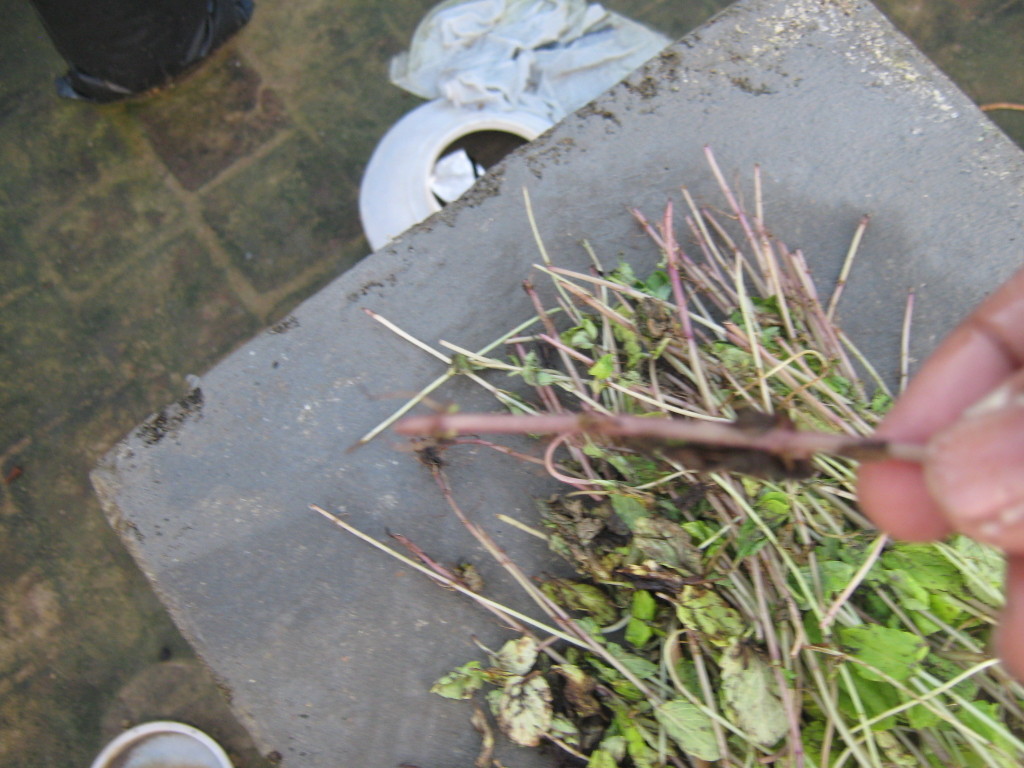
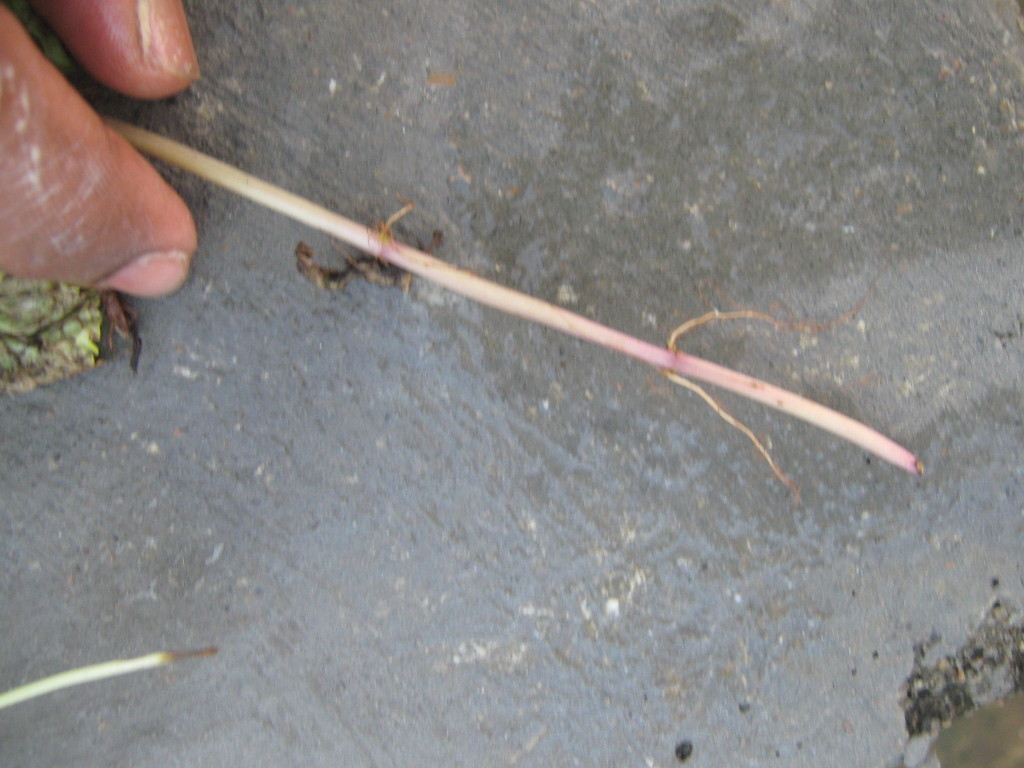
புதினா வீட்டில் வளர்ப்பது எளிது. கடையில் இருந்து வாங்கி வரும் புதினா கட்டிலிருந்து இலையை எடுத்தபின் உள்ள குச்சிகளே போதும்.


இந்த குச்சிகளில் முதிர்ந்தவற்றை தேர்ந்தெடுத்தேன்.


(படம்எடுத்த நாள் 18/11/2009)
தேர்ந்தெடுத்த குச்சிகளை சுமார் 3 அல்லது 4 செ.மீ ஆழத்தில் நட்டேன்.

பிற செடிகள் போலவே இவற்றையும் பராமரித்தேன்.
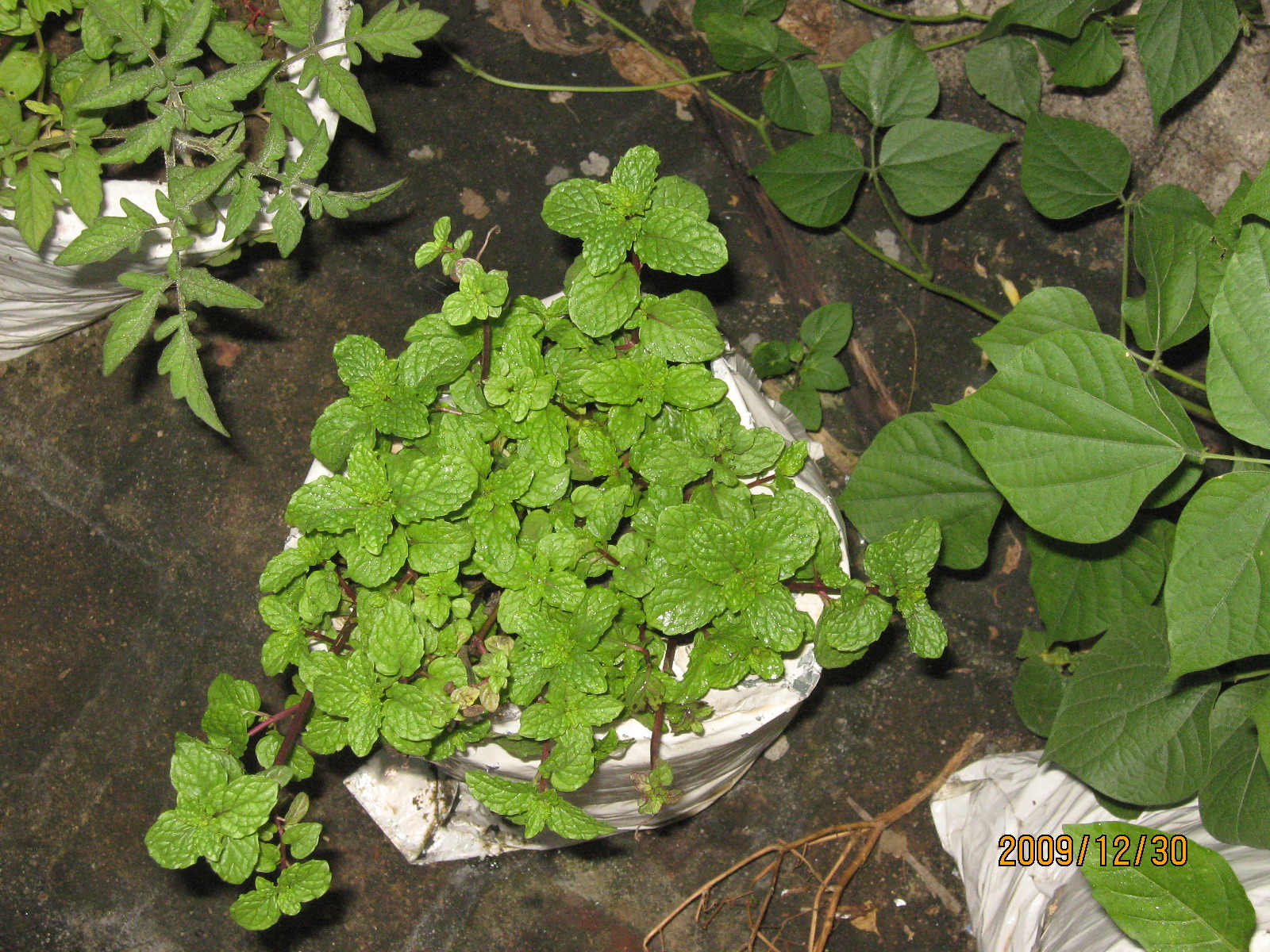
சுமார் 3 வாரங்கள் கழித்து நன்கு வளர்ந்த பின் எடுத்த படம்

சுமார் 25வது நாளில் முதல் முறையாக கீரை கிள்ளினேன். ஆனால் படம் எடுக்க மறந்தேன்.
சுமார் 45வது நாளில் எடுத்த படம் இதோ

பிறகு கிள்ளிய கீரை இதோ

ஆக என் அனுபவத்தில் புதினா வளர்ப்பதின் நன்மைகள்
மிக எளியது
பூச்சி தொல்லைகள் இல்லாதது
கடையில் வாங்குவதைக்காட்டிலும் சுவையானது
கடையில் வாங்குவதைக்காட்டிலும் நறுமணம் அதிகமானது